Moss Image AI: Text-Accurate Images for Posters, Covers and More
Moss Image AI helps you turn a rough idea into a finished visual with readable Chinese and English text, deliberate composition, and flexible output sizes. Describe the message, choose a canvas, and generate a design you can keep refining.
WHAT IS Moss Image AI?
What Is Moss Image AI?
Moss Image AI is a browser-based text-to-image workspace built around the open-source MOSS-Image model from OpenMOSS. It is made for visual work where words are part of the design: launch posters, social covers, menus, invitations, product cards, diagrams, event graphics, packaging concepts, and bilingual layouts. Instead of treating text as an afterthought, Moss Image AI lets you describe the wording, hierarchy, and position you want to see in the final image.
A useful image is more than a beautiful background. The headline must be readable, supporting labels need room to breathe, and the visual hierarchy should guide the viewer in the right order. Moss Image AI is designed for these structured tasks, so you can explain that a title belongs at the top, a price sits in the lower right, or a call to action should remain visible against the background. You get a practical starting point for real communication, then refine the prompt until the result feels ready to share.
Moss Image AI is an independent service and is not affiliated with OpenMOSS.
HOW TO USE Moss Image AI
How to use Moss Image AI
Why Choose Moss Image AI?
Why to choose Moss Image AI
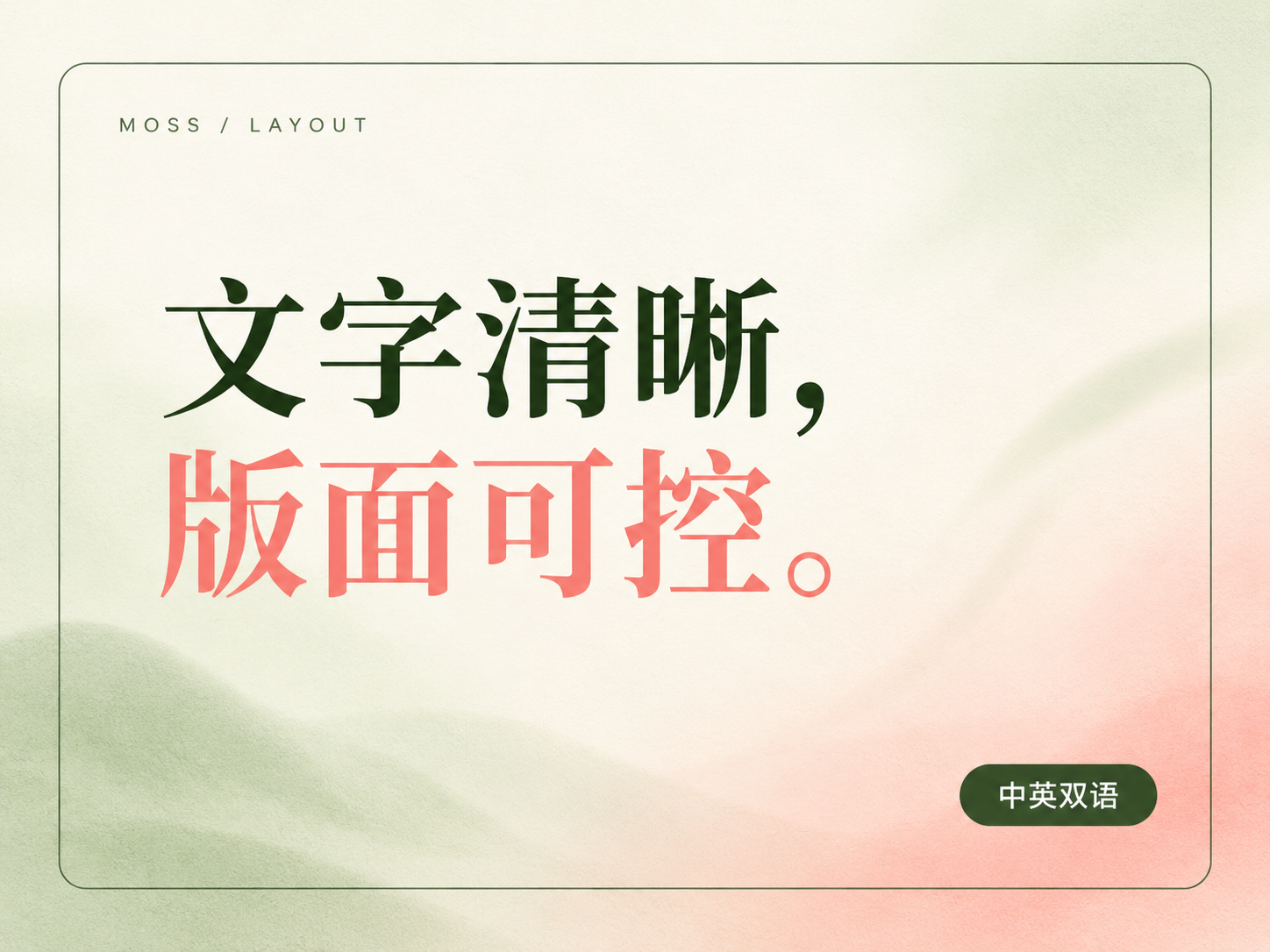
Accurate Chinese and English text
Create posters, covers, menus, diagrams, and promotional graphics with clear Chinese and English lettering. Exact copy works best when it is short, quoted, and organized by importance.
Structured layout control
Describe where the headline, logo, labels, objects, and supporting information should go. Position language gives Moss Image AI a stronger sense of hierarchy than a list of disconnected objects.
Long prompt support
Use detailed prompts to combine subject, audience, tone, color, typography direction, spacing, and placement. Longer descriptions help when the image needs to communicate a complete visual brief.
PNG, JPEG and WebP export
Choose a format that matches the next step in your workflow. PNG is useful for crisp graphics, JPEG is convenient for lighter files, and WebP is a practical option for web pages and product interfaces.
Reproducible seeds
Reuse a seed when you want to stay close to a visual direction. Adjust one part of the prompt at a time to compare variations without losing the composition you already like.
Commercial-friendly output
Use generated outputs in projects subject to our terms and the underlying model license. Always review the final image, confirm that the text is correct, and make sure your use fits the rights and policies that apply to your project.
Moss Image AI Showcase
Moss Image AI Showcase : prompts for real work
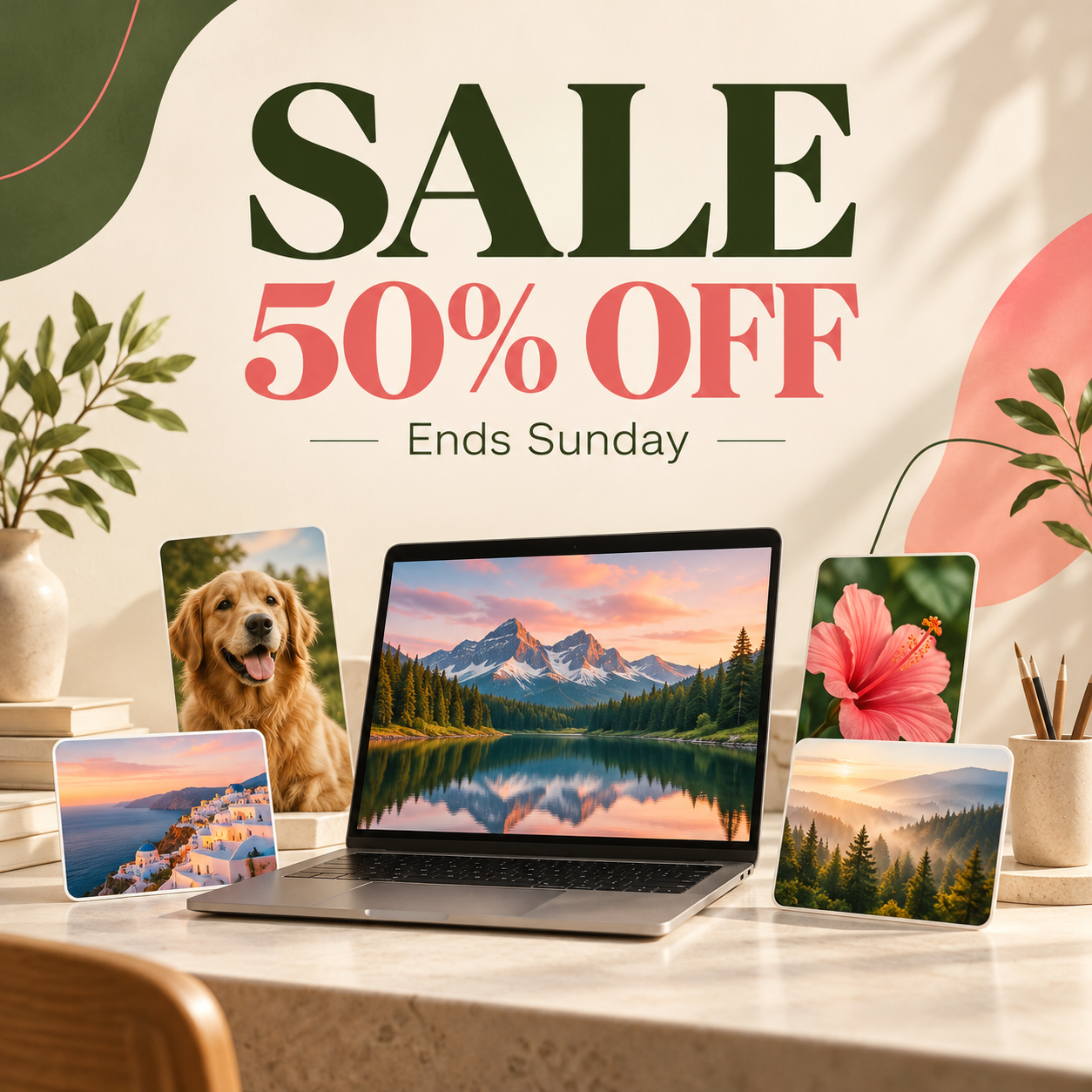
A summer sale poster, large red text "SALE 50% OFF", small text "Ends Sunday", clean white background
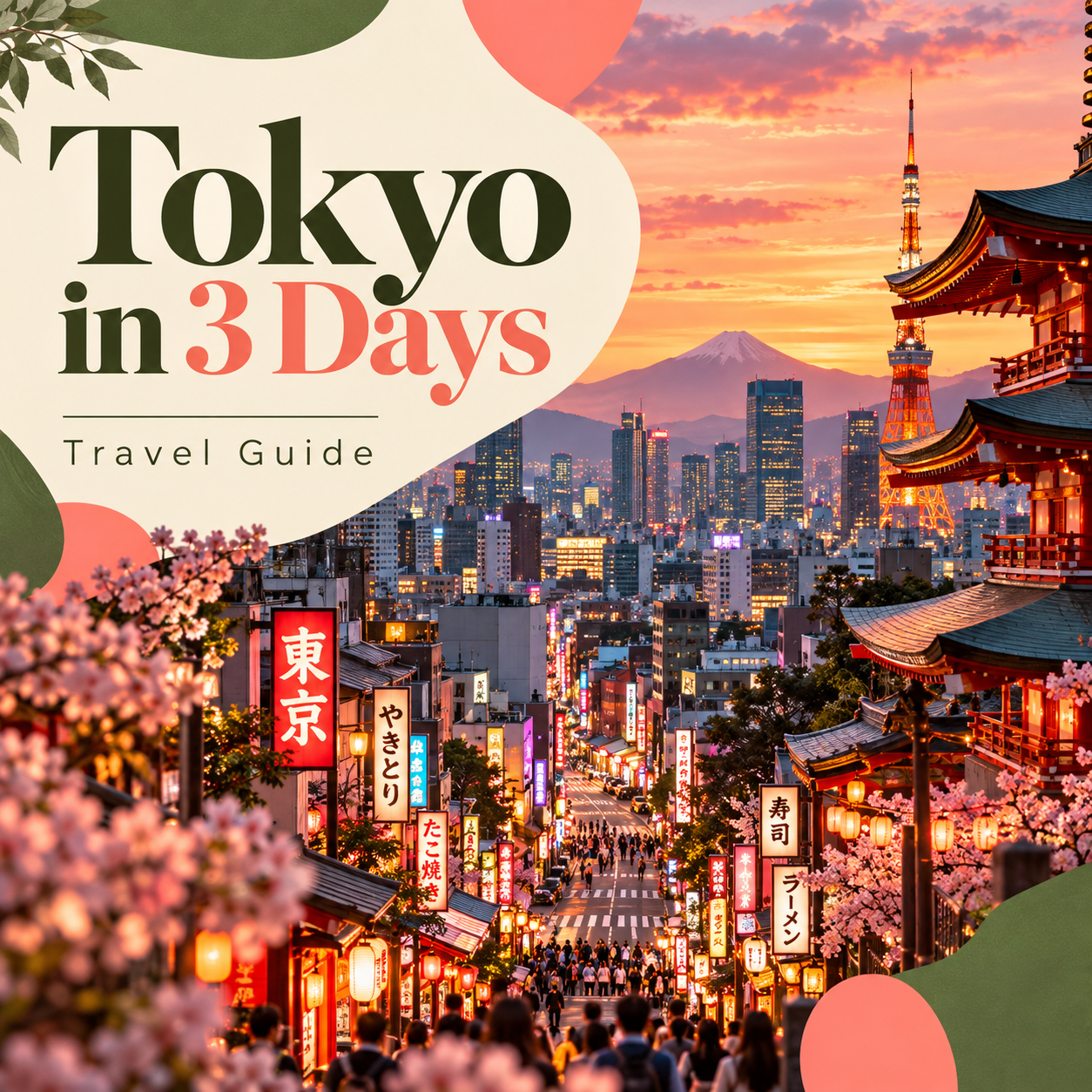
A travel vlog cover with the title "Tokyo in 3 Days", bright street photo background
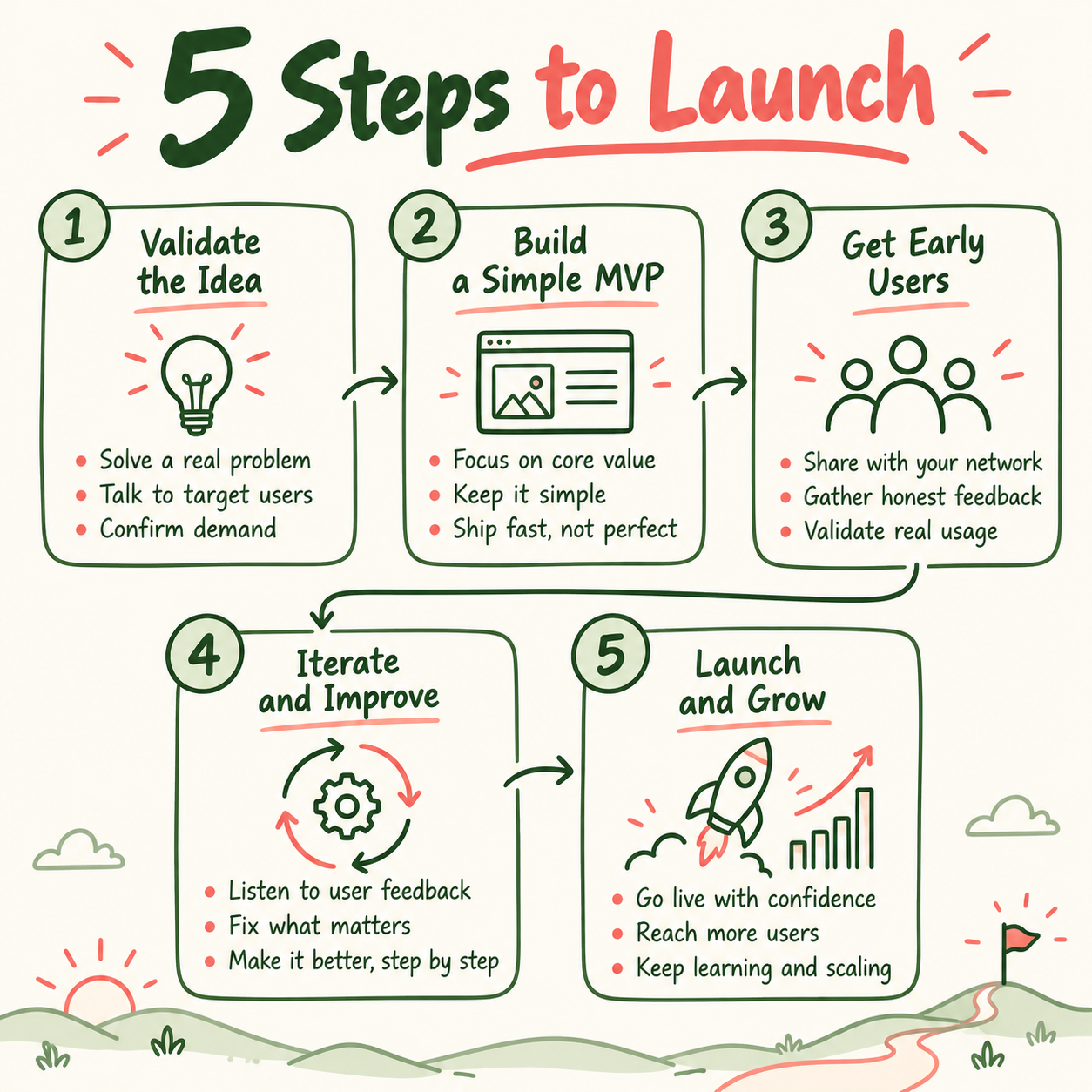
A whiteboard infographic titled "5 Steps to Launch", numbered boxes connected by arrows
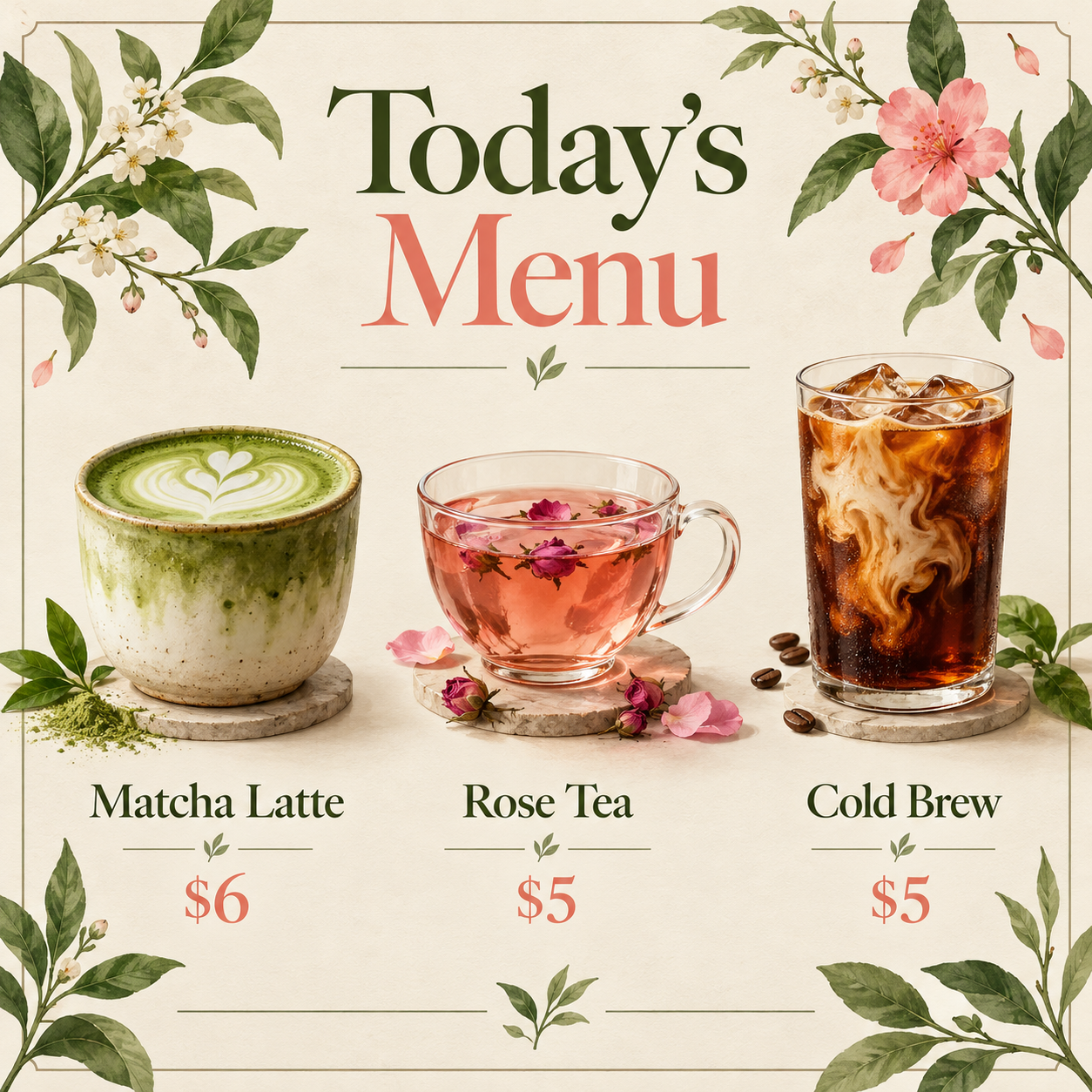
A cafe menu card with the heading "Today's Menu" and three drinks with prices
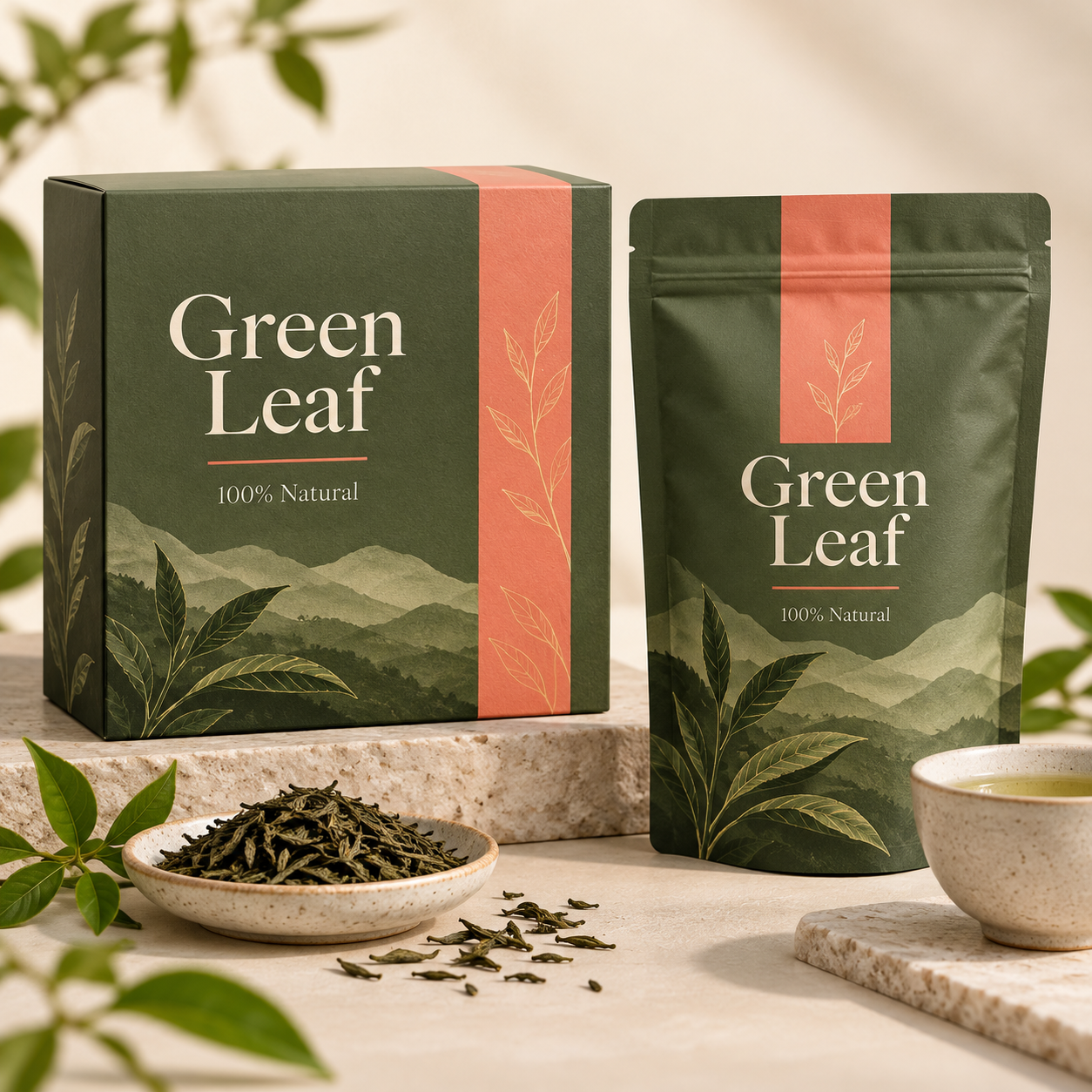
A tea box design with the brand name "Green Leaf" and the line "100% Natural"
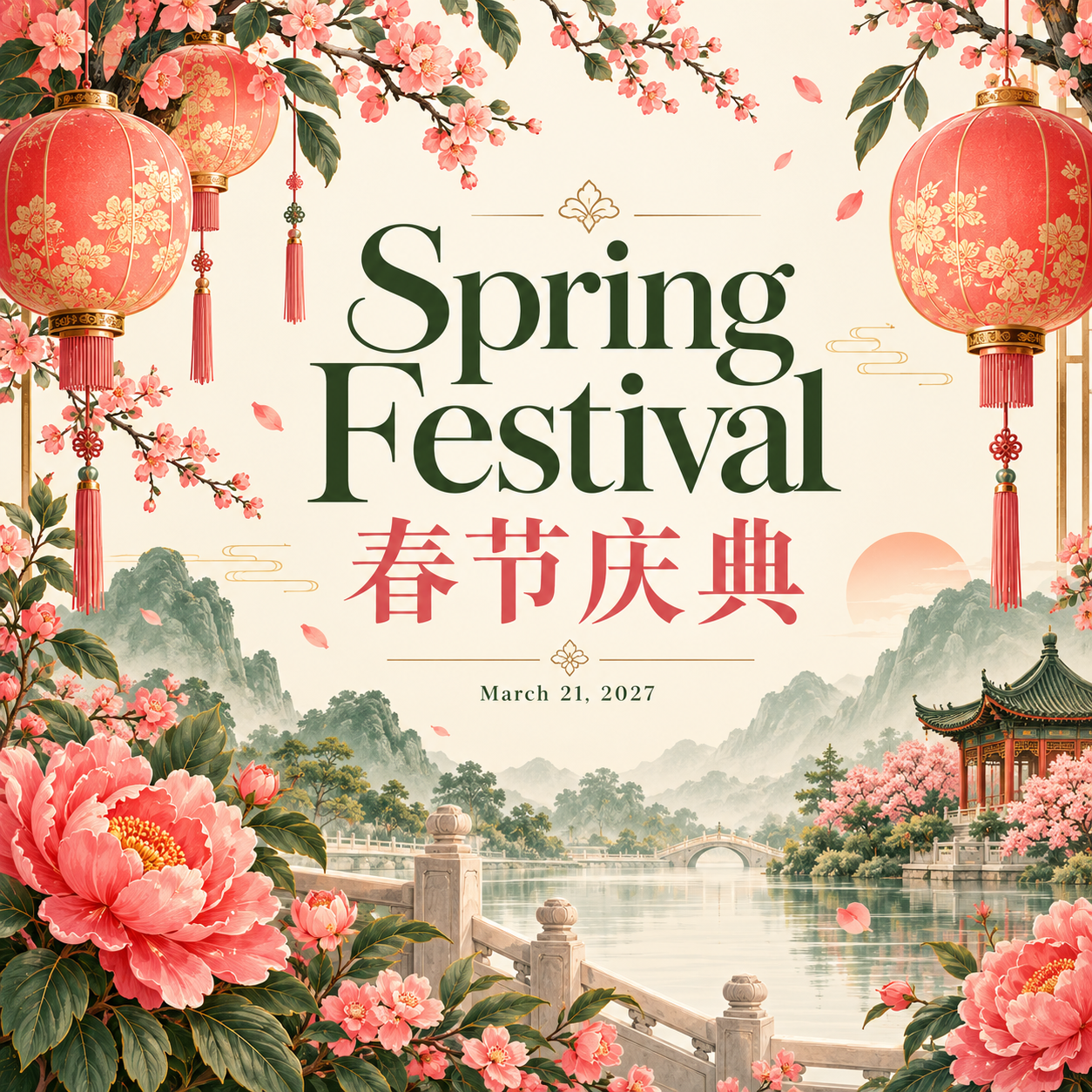
A bilingual event poster with the title "Spring Festival 春节庆典" and the date at the bottom
Moss Image AI pring
Choose the plan that works for you.
Final cost is calculated from the generated image size. Draft images remain free within the daily limit.
Starter Pack
For occasional use and first-time buyers
- 500 credits
- Charged by generated image pixels
- Commercial use included
- Credits valid for 365 days
Creator Pack
More credits for creators and small projects
- 1,650 credits
- Charged by generated image pixels
- Commercial use included
- Credits valid for 365 days
Moss Image AI Frequently FAQS
What is Moss Image AI and who is it for?
Moss Image AI is a browser-based text-to-image generator based on the open-source MOSS-Image model from OpenMOSS. It is designed for people who need a visual with readable words and an intentional layout, including marketers, founders, educators, designers, creators, and small teams making posters, covers, menus, diagrams, product graphics, or bilingual campaign assets.
Does Moss Image AI render Chinese and English text well?
Readable Chinese and English lettering is one of the main reasons to use Moss Image AI. For the most reliable result, put exact copy in quotation marks, keep each line concise, avoid packing too many words into one image, and describe the visual order. Always proofread the downloaded image before publishing because generated text can still need a small revision.
Can I control where text goes in Moss Image AI?
Yes. Moss Image AI responds to clear layout language such as “title at the top,” “logo in the lower left,” “three price cards in a row,” or “short caption beneath the product.” You can also use the structured JSON layout prompt when a composition needs explicit regions, alignment, or object relationships.
Can I use a reference image or edit a photo with Moss Image AI?
Not at the moment. Moss Image AI currently supports text-to-image generation from a written prompt. Reference images, masks, and photo editing are not available in this version, so describe the subject, style, colors, materials, and composition directly in your prompt.
Can I use Moss Image AI images commercially?
Generated images may be used in commercial projects, subject to the Moss Image AI terms and the underlying MOSS-Image model license. Your team remains responsible for checking the final image, supplied wording, logos, trademarks, and any other rights that may apply to the intended use.
What sizes and formats does Moss Image AI support?
Moss Image AI provides square, portrait, and landscape presets, plus custom sizes supported by the model. You can download the result as PNG, JPEG, or WebP. Choose the aspect ratio before generating when possible, because a layout designed for a portrait poster may not translate cleanly to a wide banner.
Is Moss Image AI free, and do I need to install anything?
You can try a limited daily draft for free, with paid credits available when you need more generation capacity or higher output tiers. Moss Image AI runs in your browser, so there is no desktop software, plugin, or local model installation required. Sign in when you are ready to save and continue your work.
Are my Moss Image AI prompts and images private?
Moss Image AI processes the prompt and generation data needed to provide the service. Review the Privacy Policy for the current details about data handling, retention, and your responsibilities when submitting private, client-owned, or confidential material. Avoid placing secrets or sensitive personal information in prompts.
Try the Moss Image AI Image Generator Today
Turn an idea into a poster, cover, menu, diagram, or bilingual visual with text that is made to be read and a layout you can keep refining.